Workspace Settings
Manage your organization’s details and data-sharing preferences.
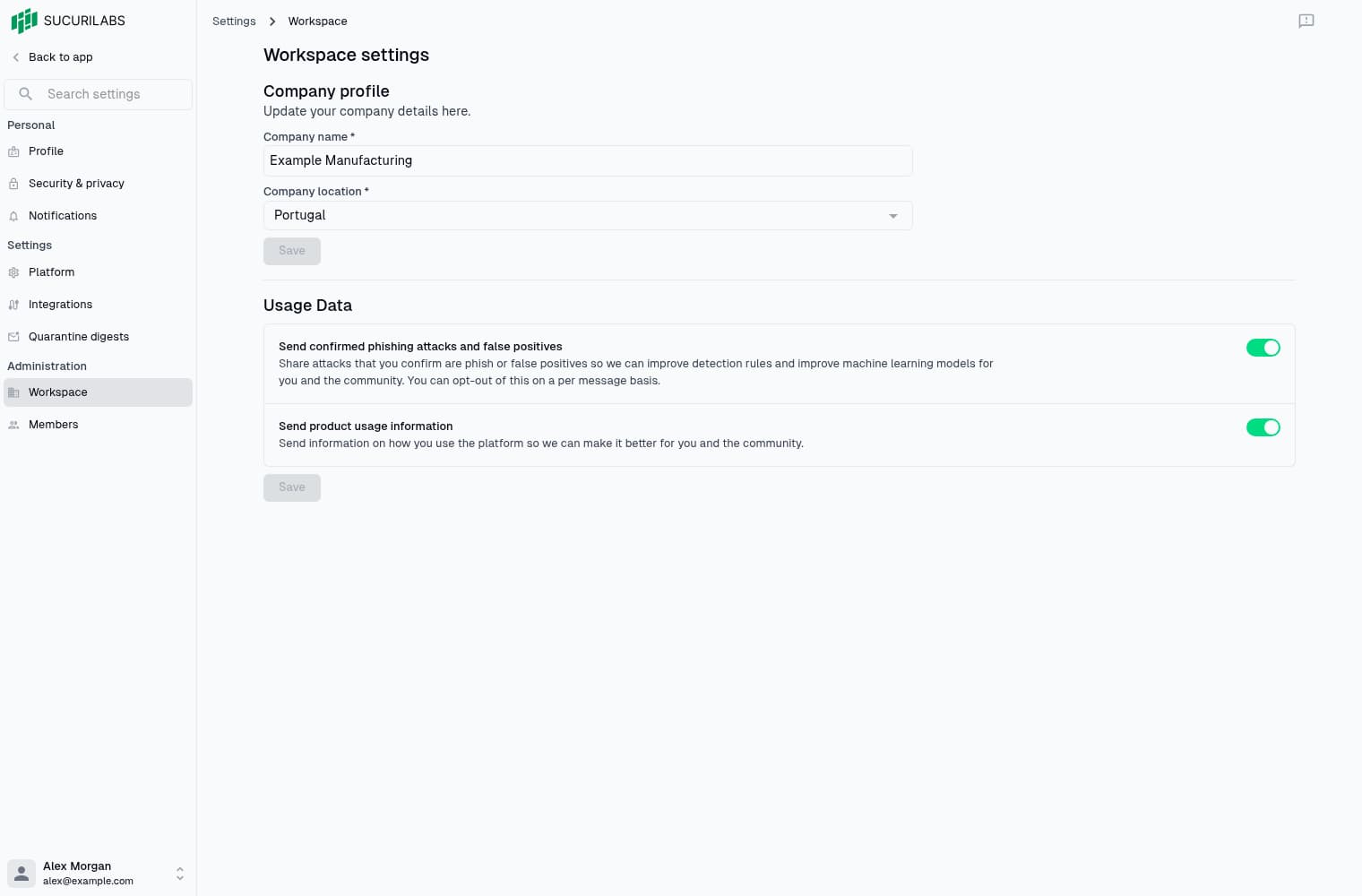
Organization details
Go to Settings > Administration > Workspace, update the company name or country, then select Save. Editing requires workspace settings permission.
These details apply to the workspace, not your personal profile or login email.
Usage data
Choose whether to share security findings and product usage information in Usage Data, then select its Save button. Company details and data sharing save independently. See Usage Data for each option.
To invite colleagues or manage workspace access, use Members.
Last updated on