Command Search
Navigate the app and run commands without leaving your current view.
Commands
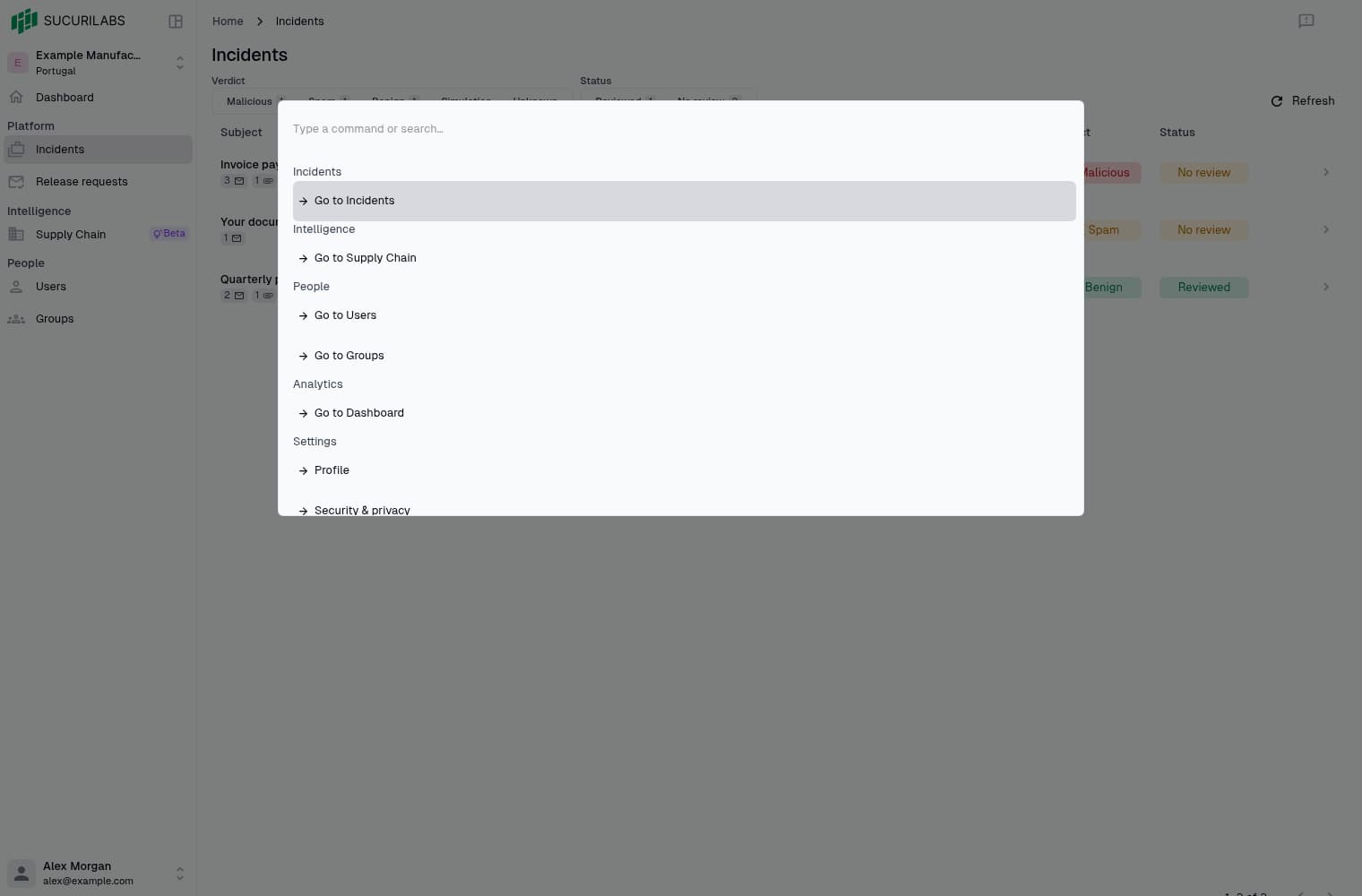
Press Cmd-K on macOS or Ctrl-K on Windows/Linux, then type a page or command
name. Available commands include:
- Go to Incidents
- Open my profile
- Switch theme
Choose a command to run it. Settings commands show destinations available to your permissions.
Keyboard navigation
With the search field focused, use the arrow keys to select a command and Enter
to run it. Cmd-J / Ctrl-J moves down; Cmd-K / Ctrl-K moves up while the
palette is open. Press Escape to close it. Buttons keep their usual Tab and
Enter behavior.
Actions for selected requests
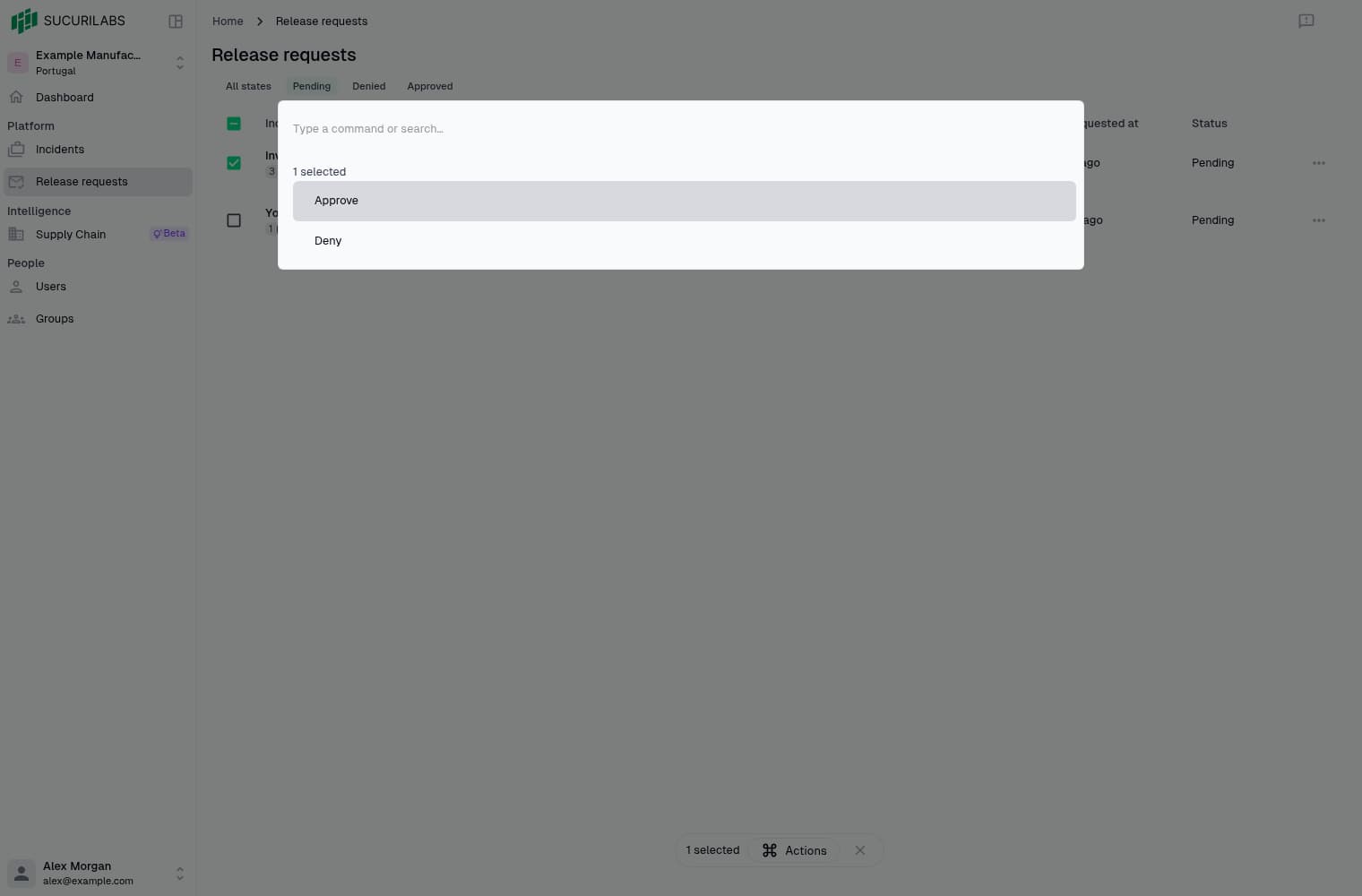
Select Pending release requests to add Approve and Deny to the command palette. Open it with the shortcut to see all commands, or select Actions in the selection bar to see only actions for your selection.
Commands open a confirmation dialog before applying a decision. Denials require a reason. Clearing the selection or changing the page or filter removes its commands.