Skip to Content
Getting StartedMicrosoft Setup

Microsoft Setup

Sign in to Sucurilabs

Sign In

Go to SucuriLabs (https://app.sucurilabs.com ), enter your credentials and click “Log In” SucuriLabs Login Page

Integrations

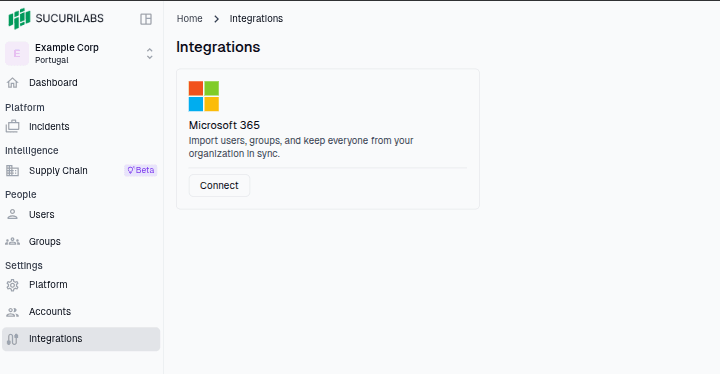
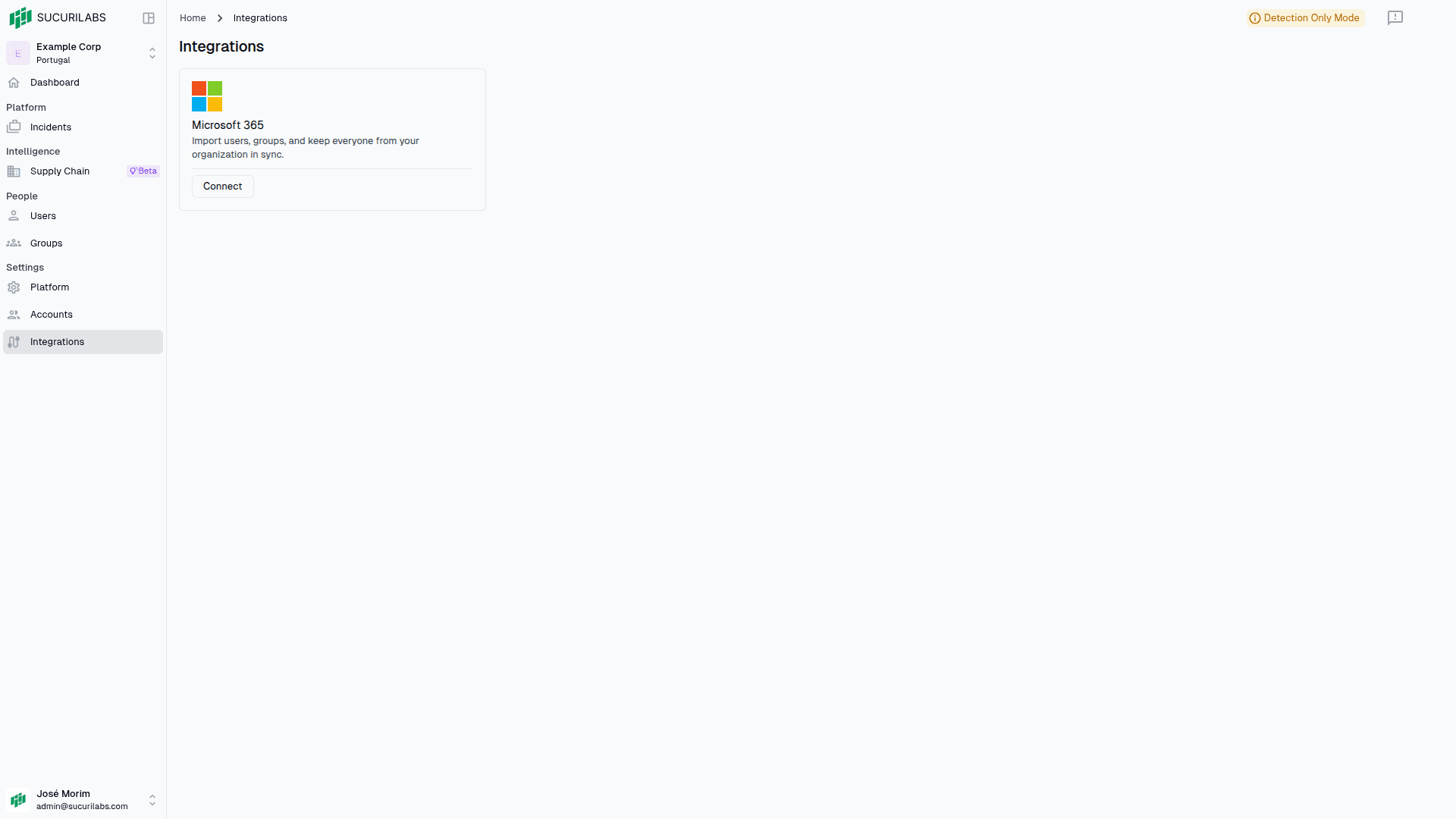
After signing in, go to the Integrations Page (https://app.sucurilabs.com/settings/integrations ) SucuriLabs Integrations
Connect

Click Connect SucuriLabs Microsoft Integration

Add SucuriLabs to your tenant

Note

You’ll need Administrator in your Microsoft tenant to install the SucuriLabs app
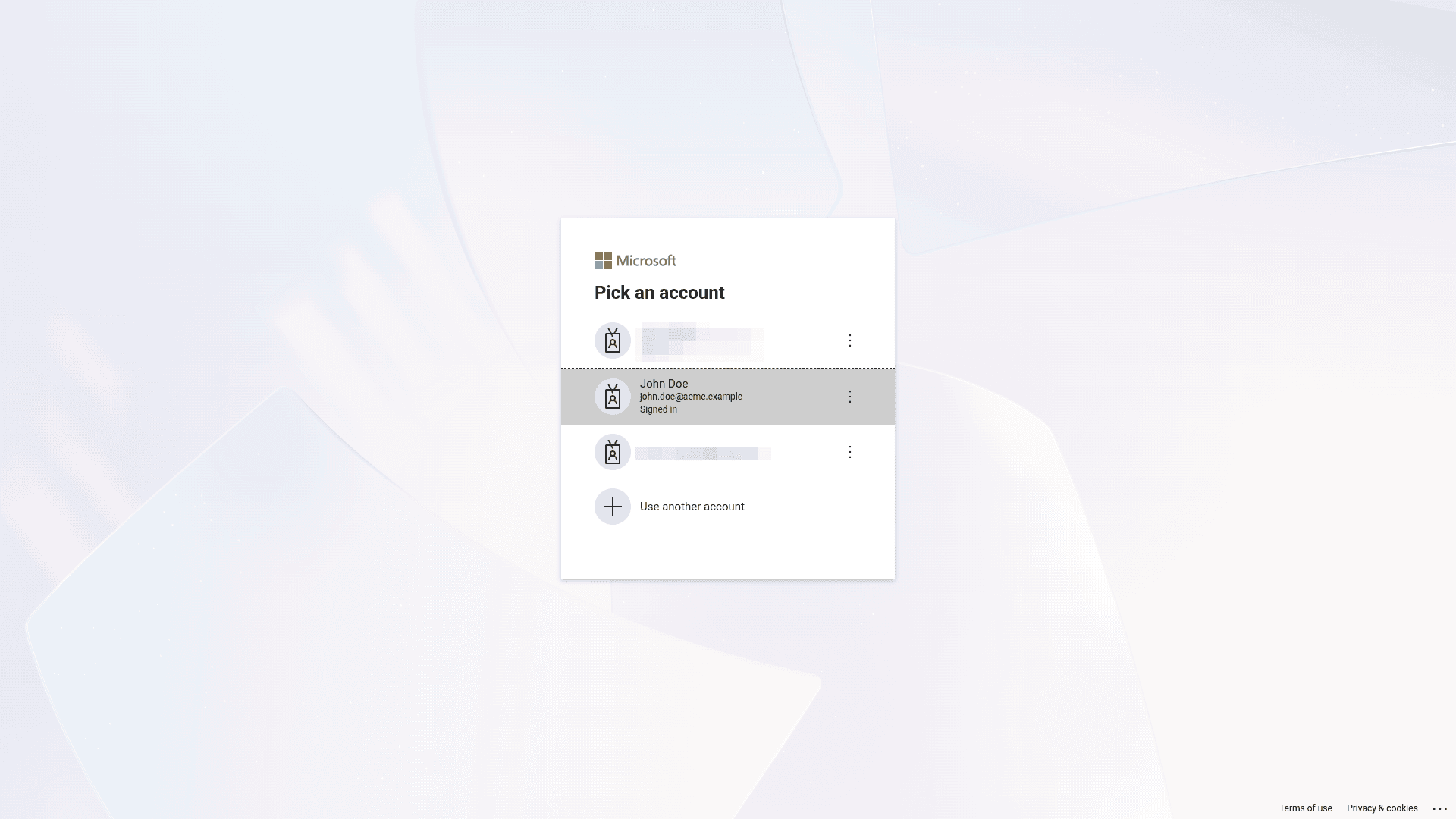
Select your administrator account

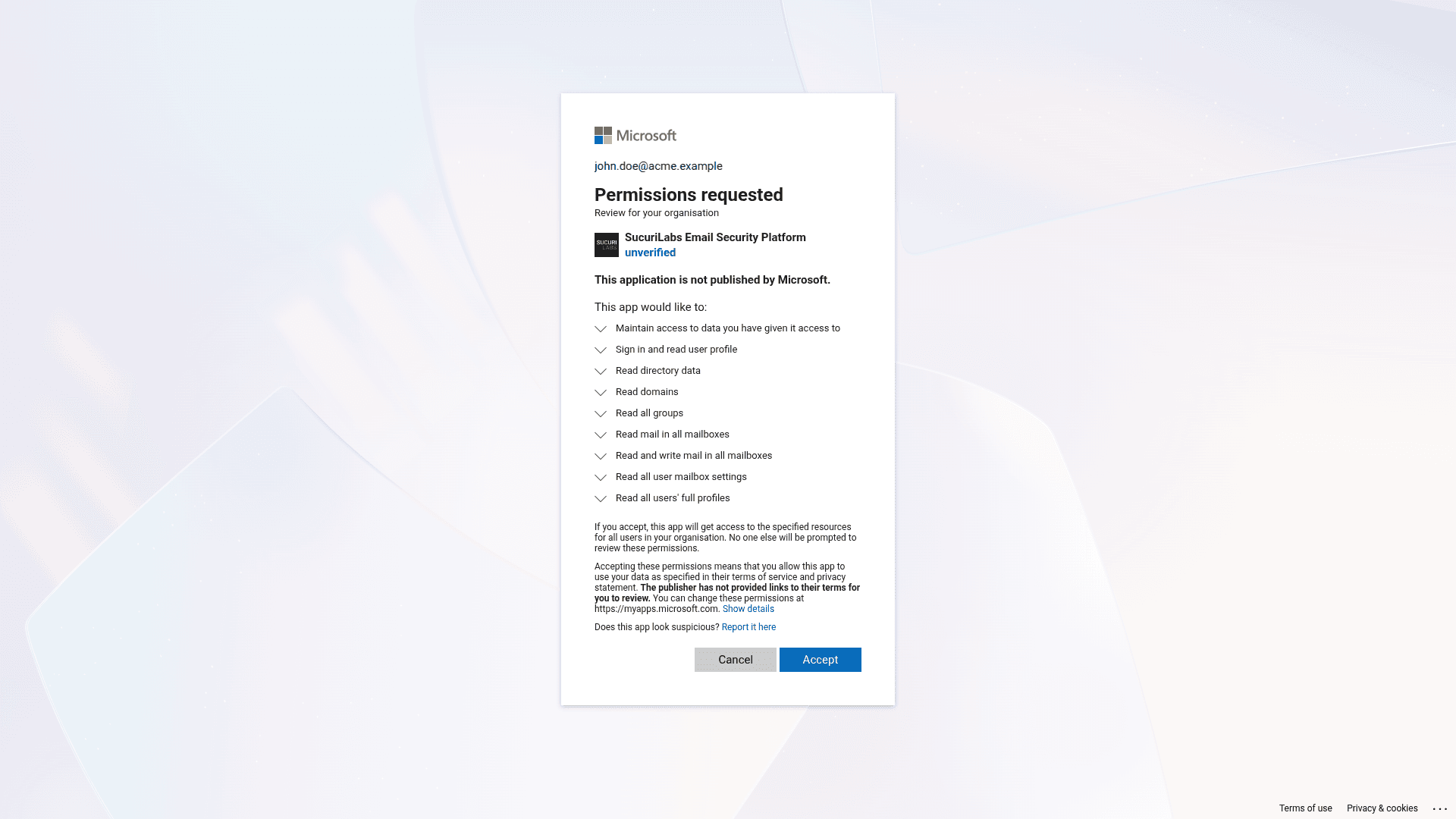
Select the administrator account belonging to the tenant you want to add SucuriLabs to Microsoft Account Select

Click “Accept” Microsoft Consent

Wait and enjoy

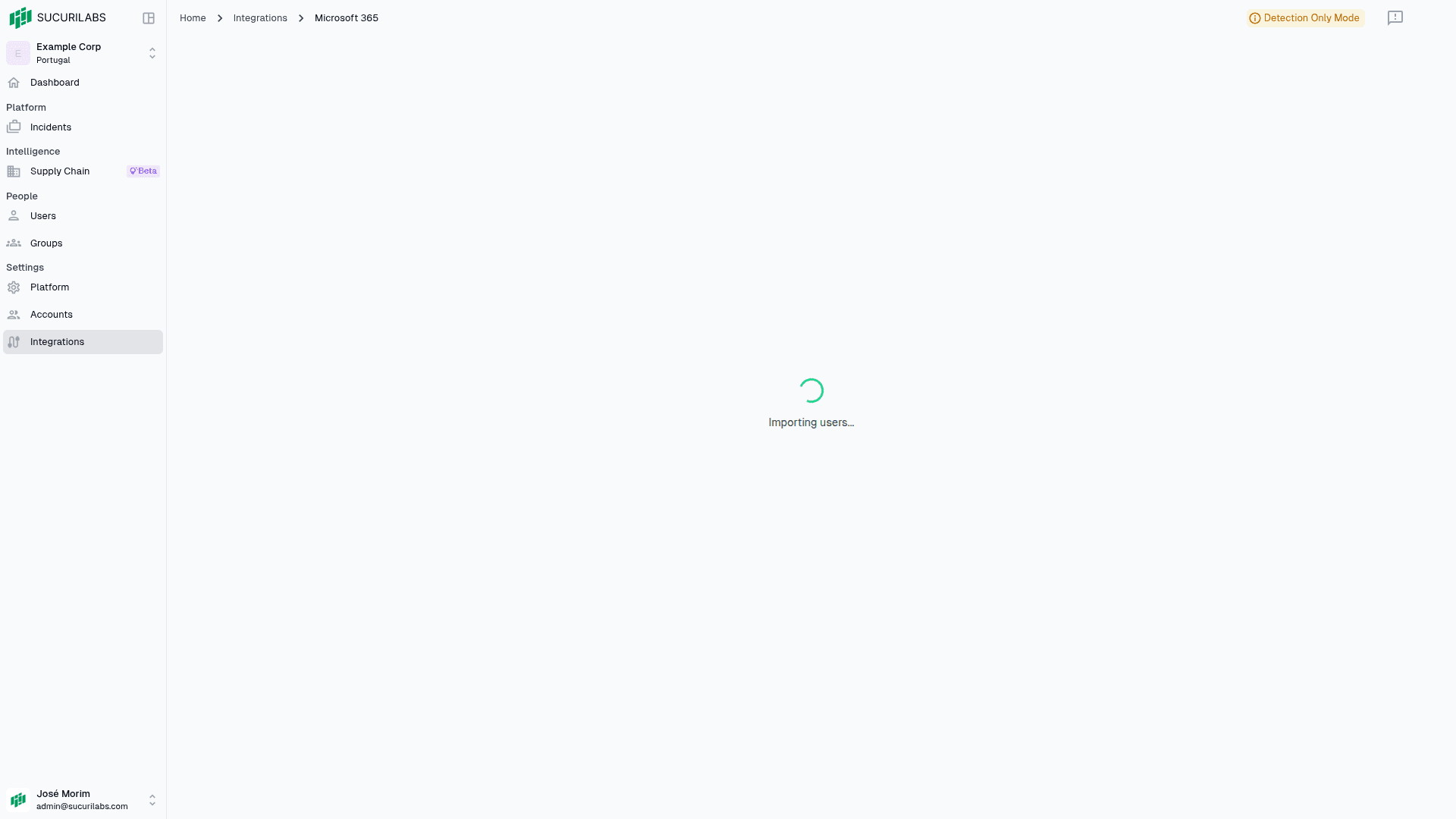
Wait for the user and groups import job to finished and you are all done! SucuriLabs User and Groups Import

Last updated on