Usage Data
Usage Data settings control whether SucuriLabs shares selected security findings and product usage information with SucuriLabs to help improve the platform.
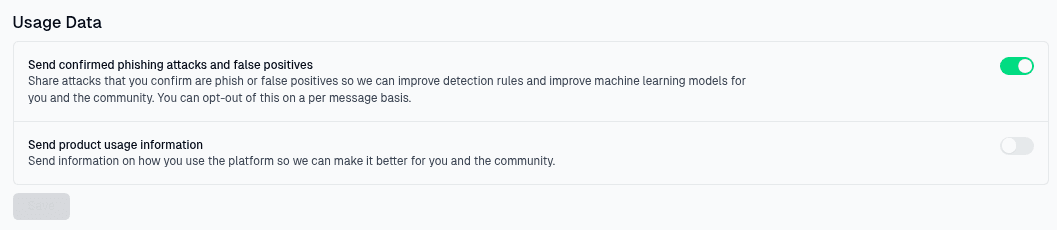
Data sharing options
There are two usage data settings on this page:
| Setting | What it controls |
|---|---|
Send confirmed phishing attacks and false positives | Shares attachments from messages confirmed as phishing attacks or false positives so detection rules and machine learning models can be improved |
Send product usage information | Shares information about how your organization uses the platform so SucuriLabs can improve product functionality and user experience |
The phishing and false positive setting can also be opted out of on a per-message basis. This gives administrators control when a specific message or attachment should not be shared.
Saving changes
Use the toggles to enable or disable each data sharing option, then select Save to apply the updated settings.
Last updated on