Request an Email Release
Ask your security team to release an email from quarantine.
If your organization enables digests, you’ll receive a daily summary of new held messages. You can request a release without a workspace administrator account.
View and request a message
Open a message’s link in your digest and select View message. Check:
- Subject
- Sender
- Recipient
- Quarantine time
- Link expiry
Select Request release to send the request to your security team.
Your security team must approve the request before restoration starts.
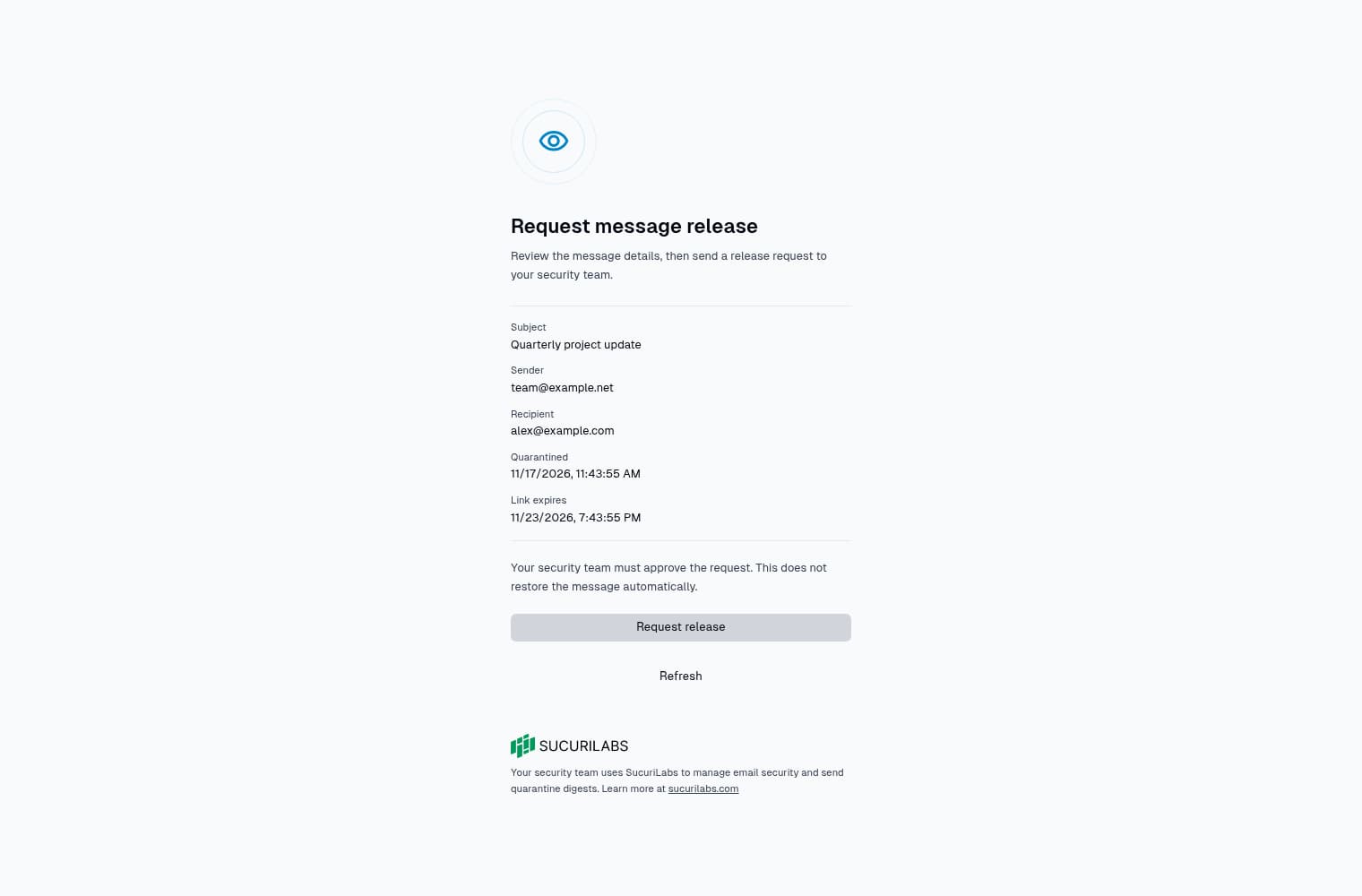
Viewing details does not submit a request. Reopening or resubmitting a message with an existing request returns that request rather than creating another.
This page shows metadata. It does not expose:
- Message content
- Attachments
- Other recipients
- Incident evidence
Keep the link private: anyone with it can view the message metadata and request a release.
Check the outcome
| Status | What to expect |
|---|---|
| Pending | Waiting for your security team |
| Denied | Declined by the team or closed because the message is unavailable |
| Approved | Approved for release; restoration may still be in progress |
Select Refresh to check the status. Denial notifications include the reviewer’s reason, or explain that the message is no longer available for automatic denials.
Approved does not confirm inbox delivery. You’ll receive a separate notification after restoration is verified. Contact your security team if the email does not arrive.
Link or verification problems
- Expired link: Links expire after seven days. Contact your security team.
- Invalid link: Reopen the complete link from the digest email.
- Unavailable or revoked: Contact your security team. The message or access to it may no longer be available.
- Verification temporarily unavailable: Wait briefly, then select View message to retry. This does not mean the message is lost.
- Too many attempts: Wait before trying again.
Links are removed from the address bar after opening. If reloading loses access, reopen the original link from your digest.