Personal Settings
Update your profile, password, privacy choices, and communications preferences.
Open Settings > Personal to manage your account. Personal settings are owner-managed, including for administrators.
Profile
In Profile, you can edit:
- Full name
- Login email
- Interface language
Select Save changes to apply your edits. Your workspace role is read-only.
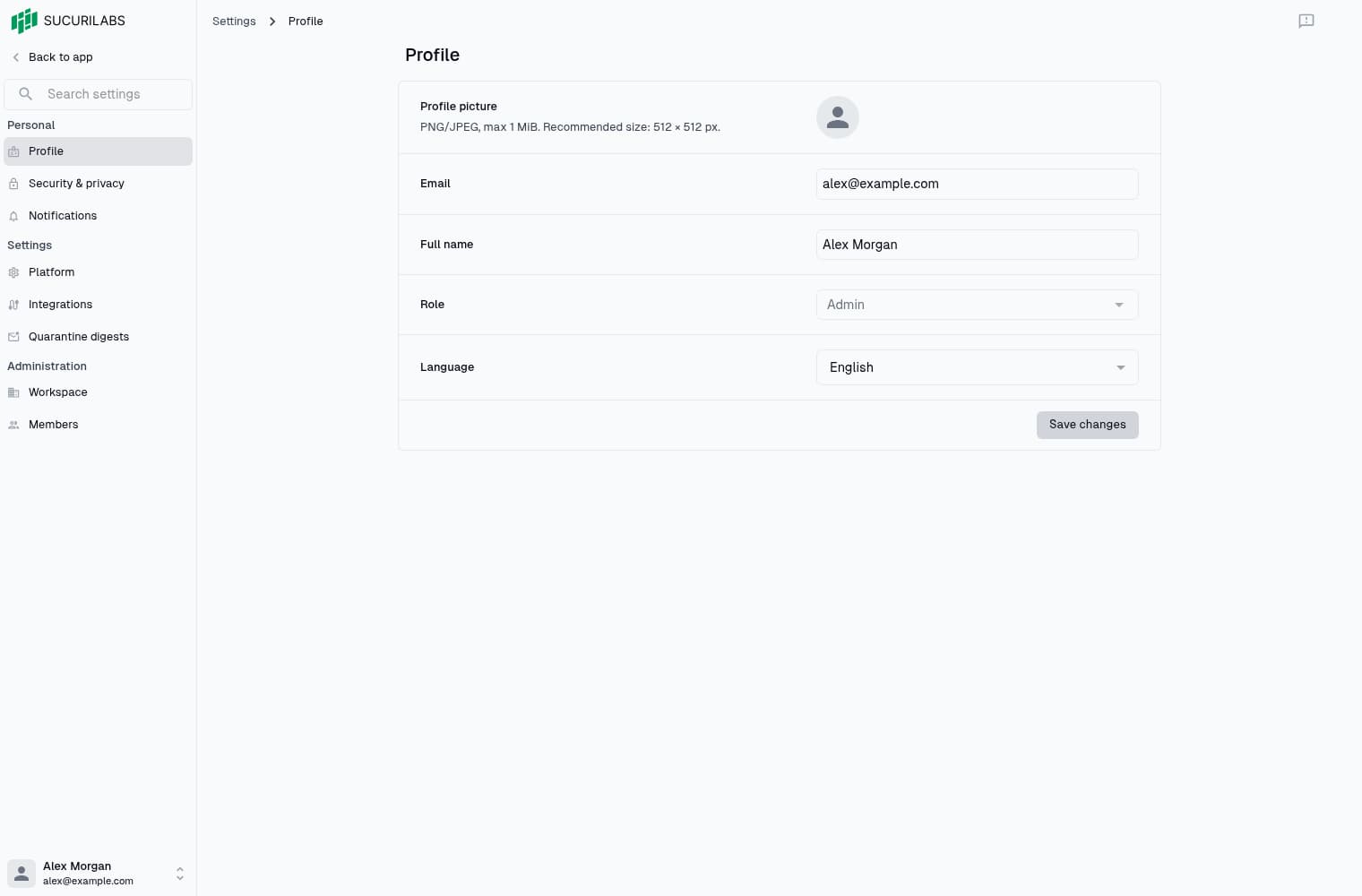
Name and email apply across your workspaces. After changing your email, use the sign-in prompt to sign in again with the new address.
Choose English or Portuguese for the interface. Quarantine digest emails remain in English.
Upload a PNG or JPEG no larger than 1 MiB to change your picture. Uploads save immediately, separately from the profile form. Images with very large dimensions may also be rejected.
Security & privacy
Select Security & privacy > Change password, enter matching passwords, and save. Passwords apply across workspaces and must contain at least 8 characters and at most 72 UTF-8 bytes.
Manage functional and analytics cookies on the same page. Save cookie preferences separately; controls are read-only without permission to update them.
Select Export, where permitted, to download your profile as JSON. The export does not include all workspace security data. Contact support to request account erasure, removing a membership does not erase the account.
Notifications
Open Notifications to choose whether to receive:
- Newsletters
- Announcements
- Educational content
- Marketing communications
Adjust the switches and select Save changes. These preferences apply across your account.
Quarantine schedules and reviewer notifications are managed separately through digest policies.
Unsaved changes
When you leave with unsaved edits, choose whether to stay or discard them. Save before switching pages to keep your changes.